

Understanding the Column Type
Upstream traceability columns use theitemLink or multiItemLink column type to display work items that are linked to each risk item through Siemens Polarion ALM work item link relationships. The column bindings property specifies the Polarion field that stores the link reference, and the typeProperties section defines the linked item’s work item type, link role, and related behavior.

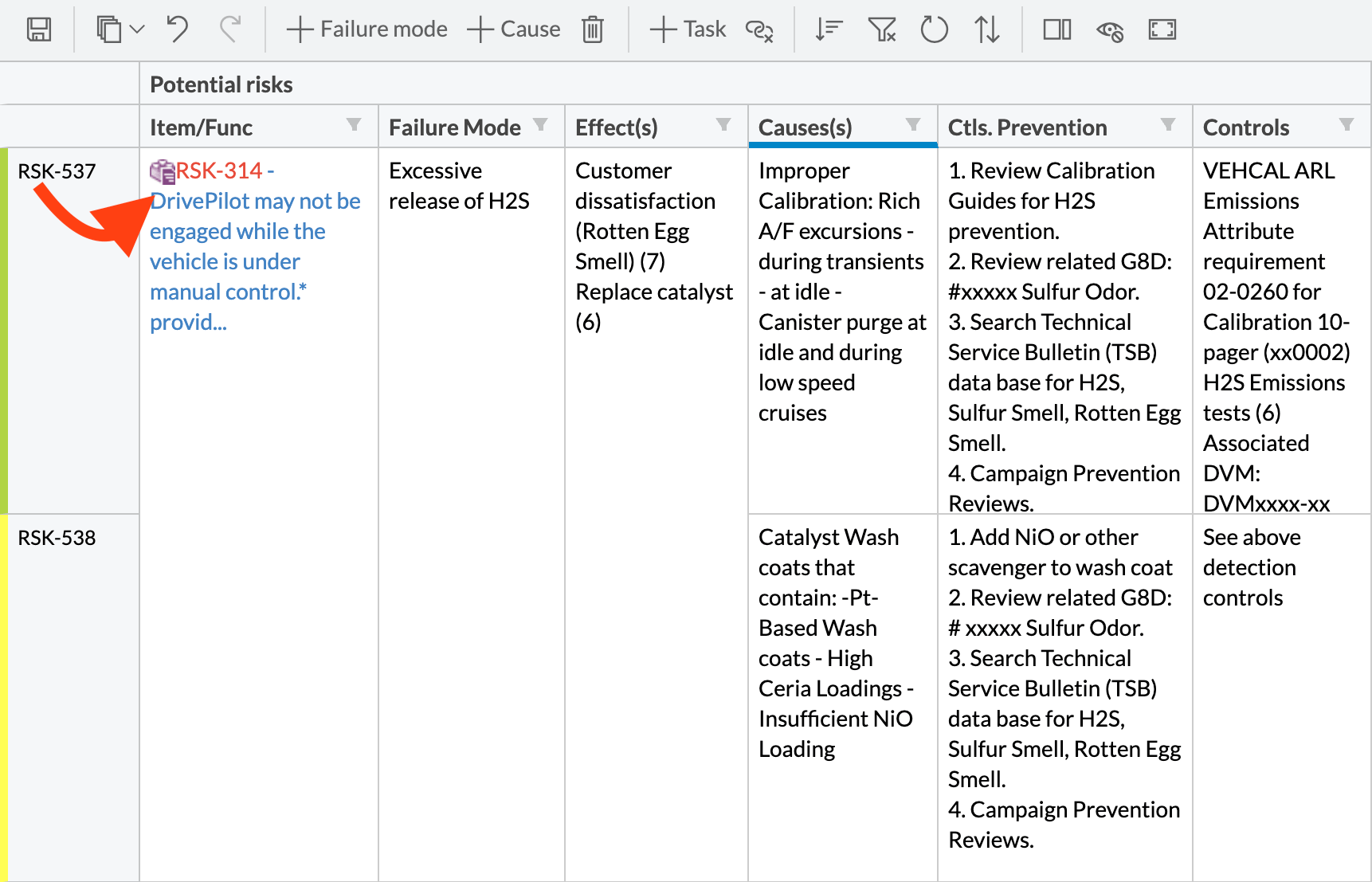
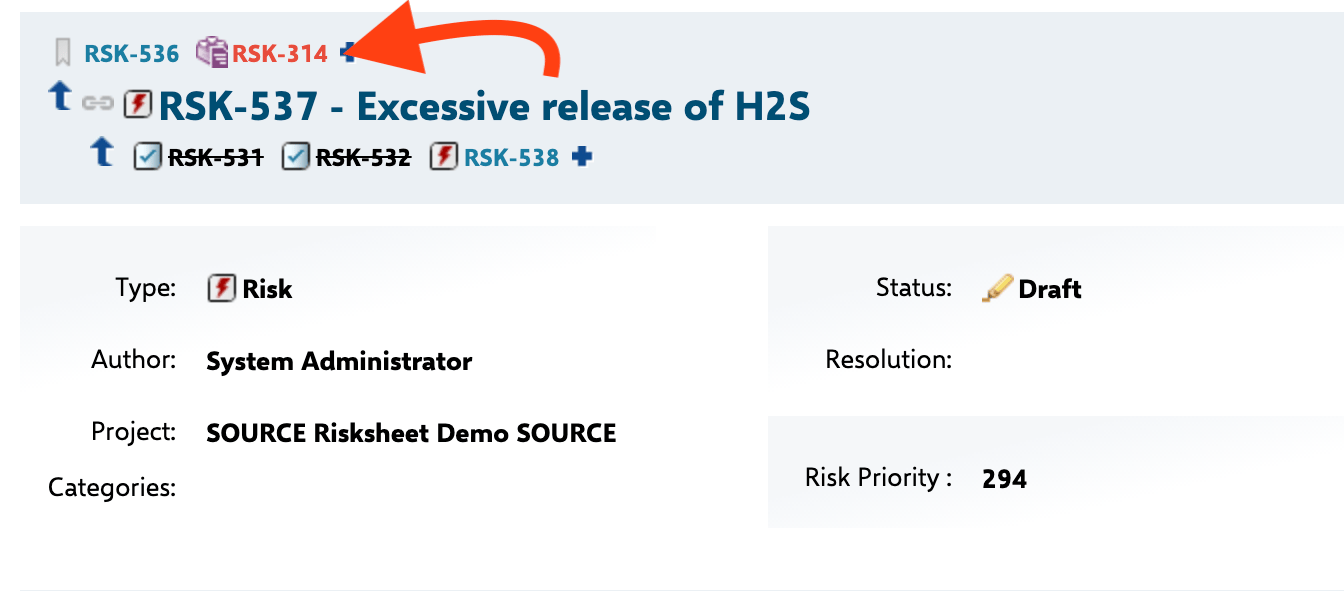
Step 1: Identify the Link Role and Work Item Type
Before configuring the column, determine:- The work item type of the upstream item (for example,
requirement,systemRequirement,hazard). Risksheet supports one or more types in the same column. - The link role connecting the risk item to the upstream item (for example,
mitigates,verifies,relatesTo).
The Six typeProperties Sub-Properties
The typeProperties block on an itemLink or multiItemLink column accepts the following sub-properties. The two highlighted in bold are required for any upstream column; the rest control optional behavior.
Two additional sub-properties extend
typeProperties for cross-document and cross-project scenarios and are covered in later steps: document (scope autocomplete to a specific LiveDoc) and project (load items from another project). Item creation is controlled by createInCurrentDocument and the top-level canCreate column property.
Step 2: Add a Basic Upstream Column
Open the sheet configuration (therisksheet.json document attachment, editable in YAML since v25.5.0) and add an itemLink column. Set bindings to the Polarion field that stores the link, and define the linked work item via linkTypes and linkRole:
level property is 1-indexed — level: 1 corresponds to the first entry in the top-level levels array.
Step 3: Configure Multi-Item Upstream Columns
When a risk item can be linked to multiple upstream items (for example, multiple requirements tracing to one hazard), use themultiItemLink type instead:
multiItemLink column displays all matching linked items within a single cell, allowing users to add and remove links to multiple upstream items.

linkTypes:
Step 4: Control Item Creation from the Column
By default, upstream columns allow users to both select existing items and create new ones directly from the cell editor. To restrict the column to selection only (preventing creation of new upstream items), set the column-levelcanCreate to false:
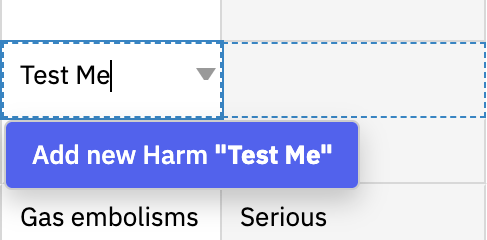
dataTypes.task.canCreate: false. The two canCreate switches operate independently.
Step 5: Make Upstream Columns Editable
By default, upstream item columns are read-only. To allow users to edit field values of the linked upstream item directly from the grid, explicitly setreadOnly to false:
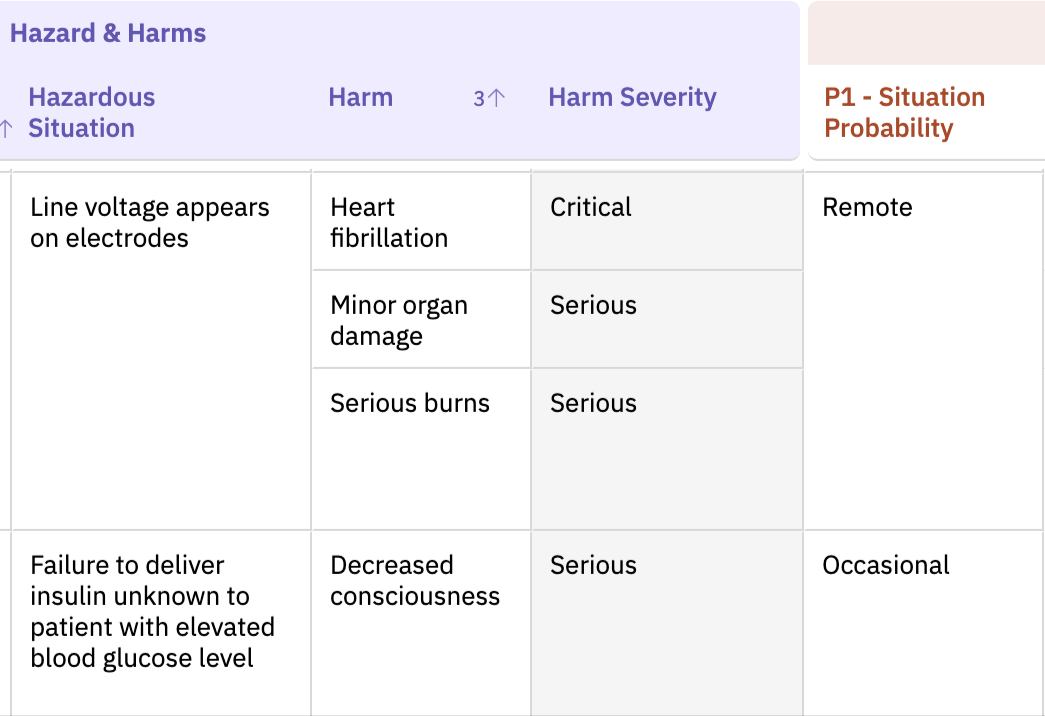
Step 6: Specify the Enum Type for Upstream Columns
When displaying enum fields from upstream items, you must explicitly set the columntype to enum (or multiEnum). While the type property is optional for main row item columns (it can be auto-detected from the Polarion field), it is mandatory for upstream and downstream linked item columns:
Step 7: Configure Cross-Project Upstream Items
To display upstream items from a different Polarion project, add theproject parameter to typeProperties. The value is a space-separated string of project IDs, and the special variable $projectId resolves to the current project at runtime:
SystemProject.
Step 8: Scope Autocomplete to a Library Document
For shared upstream catalogs (harms libraries, requirements libraries, function catalogs), restrict the autocomplete to a specific LiveDoc usingtypeProperties.document:
Step 9: Configure the createInCurrentDocument Parameter
When upstream item creation is enabled (the default), the createInCurrentDocument parameter controls where newly created items are stored:
createInCurrentDocument is true, new upstream items are created within the current LiveDoc. When false or omitted, new items are created in the Polarion tracker (outside any document).
Step 10: Build Upstream Chains with upstreamChains
When two upstream item types are both linked to the risk item and you want to automatically create links between them, use the nextedy.risksheet.upstreamChains project property. This is configured at the project level, not in the sheet configuration.
The format is: fromType-linkRole-toType
For example, to automatically link a Hazardous Situation to a Sequence of Events when both are linked to the same risk record:
Chains Only Build, Never DeleteThe
upstreamChains property only creates links between upstream items. It never deletes existing links. If you remove an upstream item from a risk record, the chain link between the two upstream items remains intact and must be manually removed if needed.Verify in applicationSome upstream linkages in DFMEA templates work automatically without explicit
upstreamChains configuration. If you are using a Nextedy-provided DFMEA template, test your link behavior before adding chain configuration.Step 11: Dynamically Filter Suggestions with queryFactory
The queryFactory sub-property in typeProperties references a named function in the top-level queryFactories section. That function receives an info object with the current row’s context and returns a Lucene query string used to filter the autocomplete suggestions. This is how you implement dependent upstream filtering — for example, restricting Hazardous Situation suggestions to those already linked to the selected Sequence of Events:
queryFactory with canCreate: false so users can only pick from the filtered set rather than create unrelated new items. See Use Query Factory for the full reference.
Verification
After saving the sheet configuration and refreshing the page, you should see:- The upstream column header displayed in the grid.
- Linked upstream items showing their ID or title in each cell.
- The cell editor allowing you to search for and select existing upstream items.
- New item creation available, unless
canCreate: falseis set on the column or globally.
linkRole and linkTypes values in typeProperties match the Polarion project’s link role and work item type definitions exactly.