

1
Define the Task Data Type
dataTypes section of the sheet configuration, configure the downstream item type. Provide the work item type, the link role, a display name for menus and toolbars, and the column used for zoom navigation after task creation: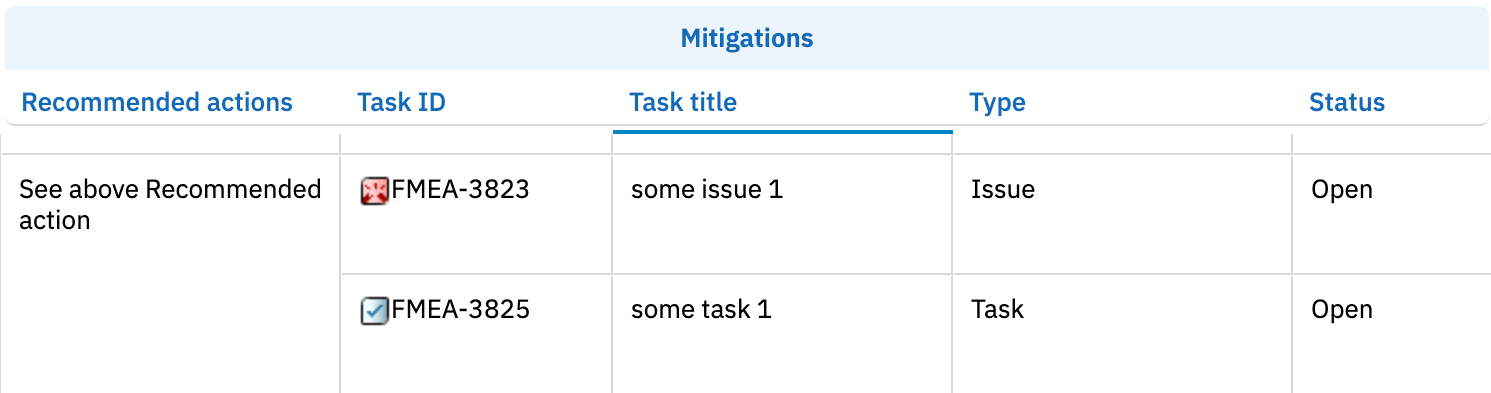
2
Add Downstream Columns
Add columns that bind to downstream task properties using the 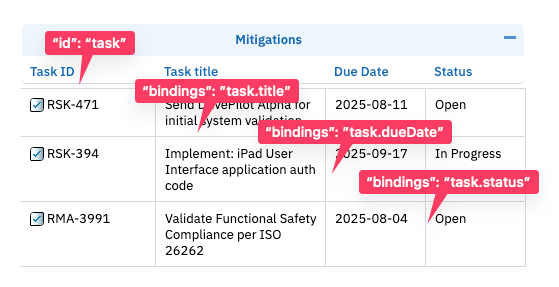
task. binding prefix. The link column itself uses type: taskLink; additional columns display task fields read-only via dotted bindings such as task.title or task.status:task.status binding displays the Polarion workflow status field as plain text. Risksheet does not have a dedicated workflow column type — status data is shown through standard bindings on the underlying field.3
Filter Downstream Items
Downstream items are automatically filtered by the configured
type in dataTypes.task. Only work items matching this type appear as downstream items.To apply additional Lucene-based filtering, configure the query property on the task data type:Project property interactionThe query is applied to task loading when the
nextedy.risksheet.applyQueryOnTasks project property is set to true (default).4
Scope Tasks to a Specific Document
To restrict downstream tasks to a specific LiveDoc document path, configure the When
document property on the task data type. This is the recommended pattern when tasks are organized in a dedicated mitigation plan or risk control document rather than scattered across the project:document is set, only tasks living in that document are loaded and displayed in the grid. The path uses the Polarion space and document name (for example, Risks/FHA-SYS-001).5
Load Tasks From Multiple Projects
To load downstream tasks from projects other than the current one, use either Use
project (single project) or projects (multi-project, v23.7.0+):project when all tasks live in a single project, and projects when they may originate from several projects (for example, a shared library plus a project-specific repository).6
Control Where New Tasks Are Created
By default, new tasks created from the grid are added wherever the configured 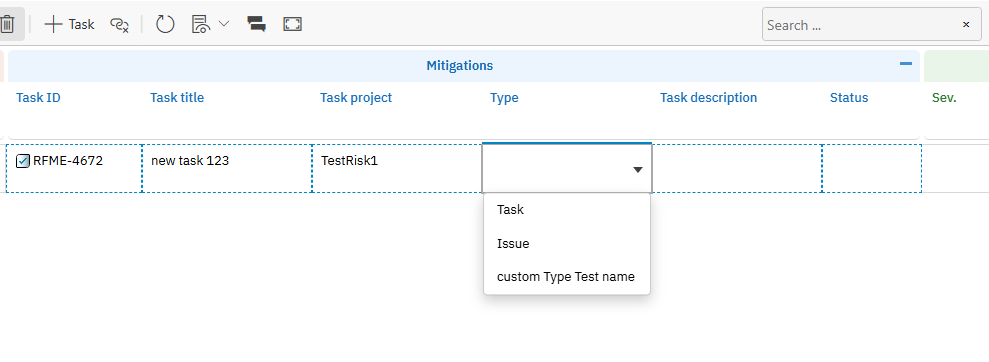
role link points. Two properties let you target task creation explicitly:Verification
Save the sheet configuration and reload your Risksheet. You should see the downstream columns in the grid. Right-click a risk item row and select the option to create a new mitigation task — the new task should appear in the downstream columns linked to the risk item. If you configureddocument, projects, or query, verify that only matching tasks are loaded.
See Also
- Configure Upstream Traceability Columns — add upstream link columns
- Configure Downstream Tasks — risk management workflows
- Configure Multiple Downstream Types — multiple task types
- Show Multiple Linked Items — display multiple items per cell
- Export to PDF — export downstream tables to PDF