

Prerequisites
Before you begin, ensure that:- A resource breakdown structure exists as Polarion work items — see Set Up a Hierarchical Resource Picker
- You have administrator rights on the project whose Gantt you are configuring
- You can add a custom field to the resource work items — that is where the mapping is declared (an advanced, user-side alternative for externally-provisioned deployments is covered under Advanced below)
1
Name the User on Each Resource Work Item
Name the attributes of the resource work item that hold a user. List them in order — the first that resolves to a real user wins:The built-in 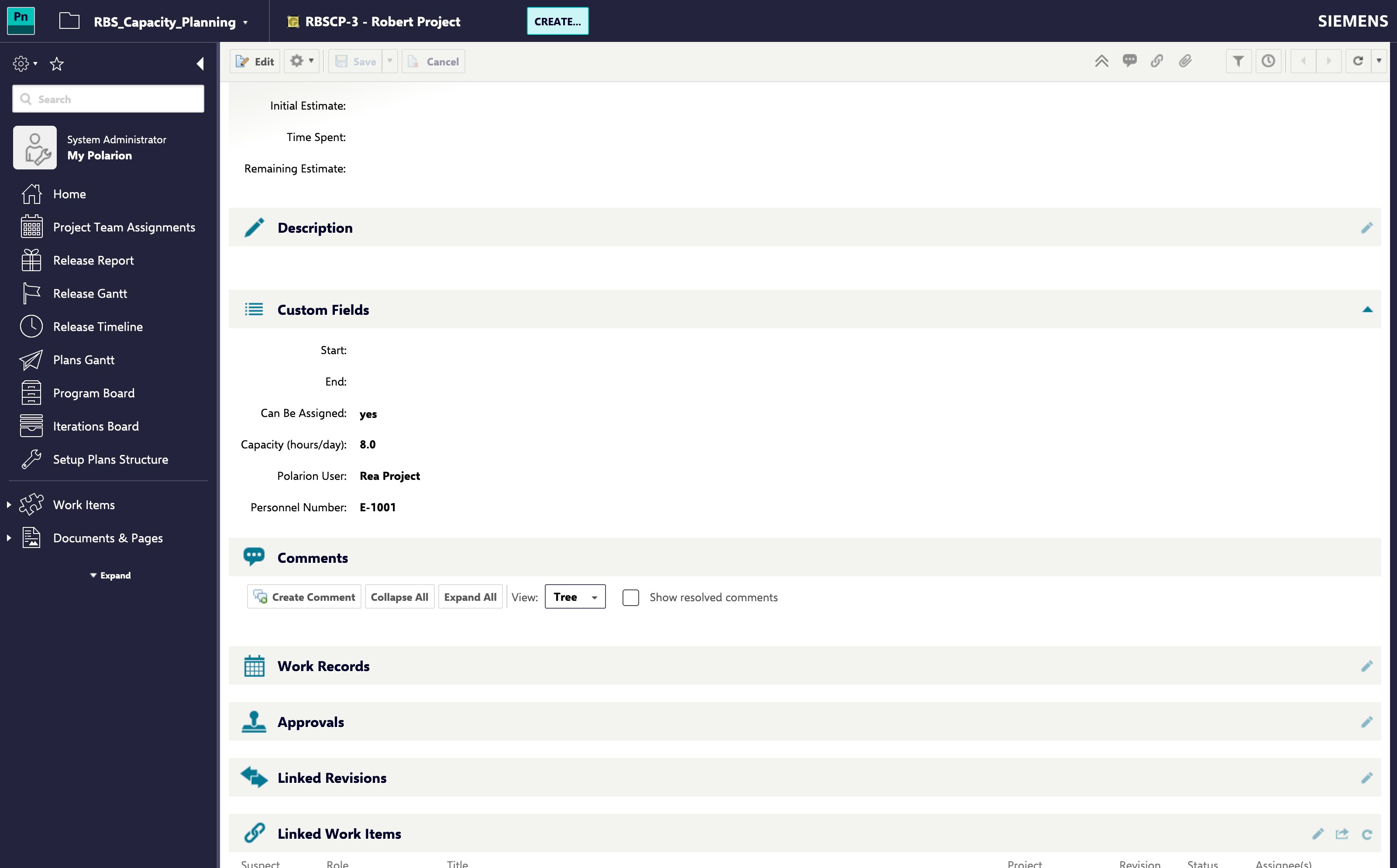
assignee is accepted alongside custom fields, so a structure that already assigns each resource to its person needs nothing new.2
Confirm Which Project Holds the Resources
Identity lookup reads the resource work items from:Leave it unset and it falls back to
nextedy.gantt.resourceHierarchy.projectId, and then to the project you are configuring. Set it only when identity is resolved against a different project from the one the picker browses — you can name more than one, separated by commas, when resources live in several projects.3
Check the Merge in the Resource View
Open a Gantt where the same person carries both a Team Assignment resource and assigned tasks. One resource row should now carry both allocations.Two rows for the same person means the mapping did not resolve. Work through the Troubleshooting table below.
Advanced: Resolve Identity from the Polarion User Side
Where an upstream system owns the resource structure and you cannot add a field to the resource work items, the mapping can instead be read from the Polarion user: a field on the user names its resource node (nextedy.gantt.resourceIdentity.userResourceField), matched by default against the resource work item’s ID — or against a field of the node when users are keyed by a personnel number (nextedy.gantt.resourceIdentity.nodeKeyField).
When both directions are configured, the resource-work-item side is tried first and the user side is the fallback. See Resource Hierarchy and Identity Properties for the full property list.
What Carries an Identity, and What Does Not
A container is not a person, so it is not expected to name a user. Wherenextedy.gantt.resourceHierarchy.pickableField is configured, the picker resolves an identity only for the nodes it offers for selection — the levels above it are navigation, and a lookup per node is not free.
Troubleshooting
Verification
You should now see:- One resource row per person, carrying both their Team Assignment allocation and their assigned work
- That person’s total allocation counted once rather than twice
- The picker’s search finding a resource by the login held in any field you named, as it already does for the built-in Assignee