

What You Will Achieve
After completing this tutorial, you will have:- Checked your current installed version against the latest available release
- Downloaded and installed the latest Gantt version
- A running Polarion server with the updated Gantt version
Prerequisites
- Gantt installed on your Polarion server
- Server filesystem access to the Polarion installation directory
- Polarion administrator access
1
Check Your Current Version
You can find the currently installed version in two places:From the Gantt admin page:
- Open Polarion Administration
- Navigate to Nextedy GANTT > Setup
- The current version is displayed on the page
2
Check for Available Updates
Open Polarion Administration > Nextedy GANTT > Setup. The page automatically shows both the Installed Version and the Latest Version, with an up-to-date indicator (✅ Up-to-date) when you are current. If the latest version is newer than the installed one, an update is available.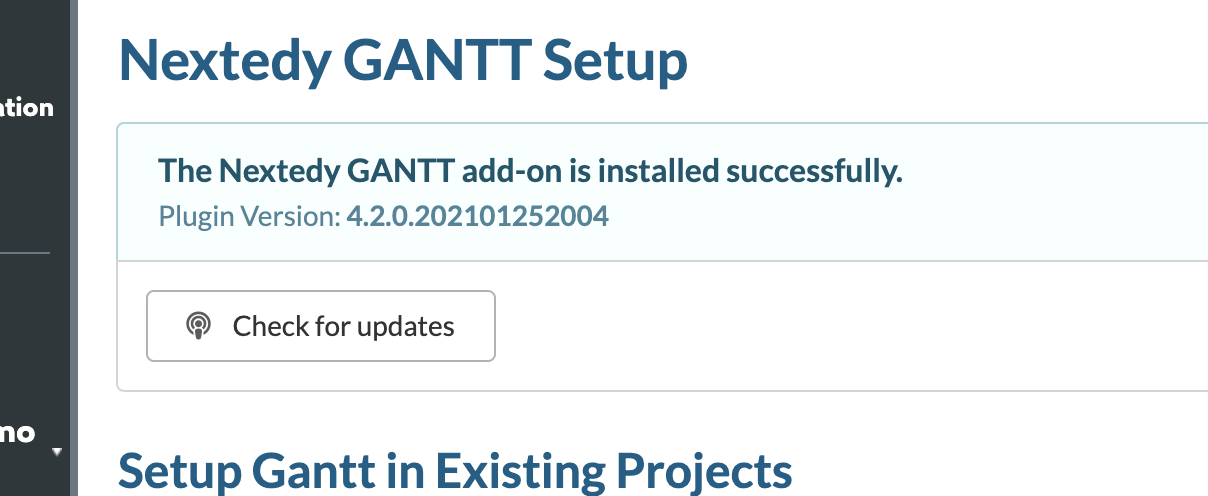
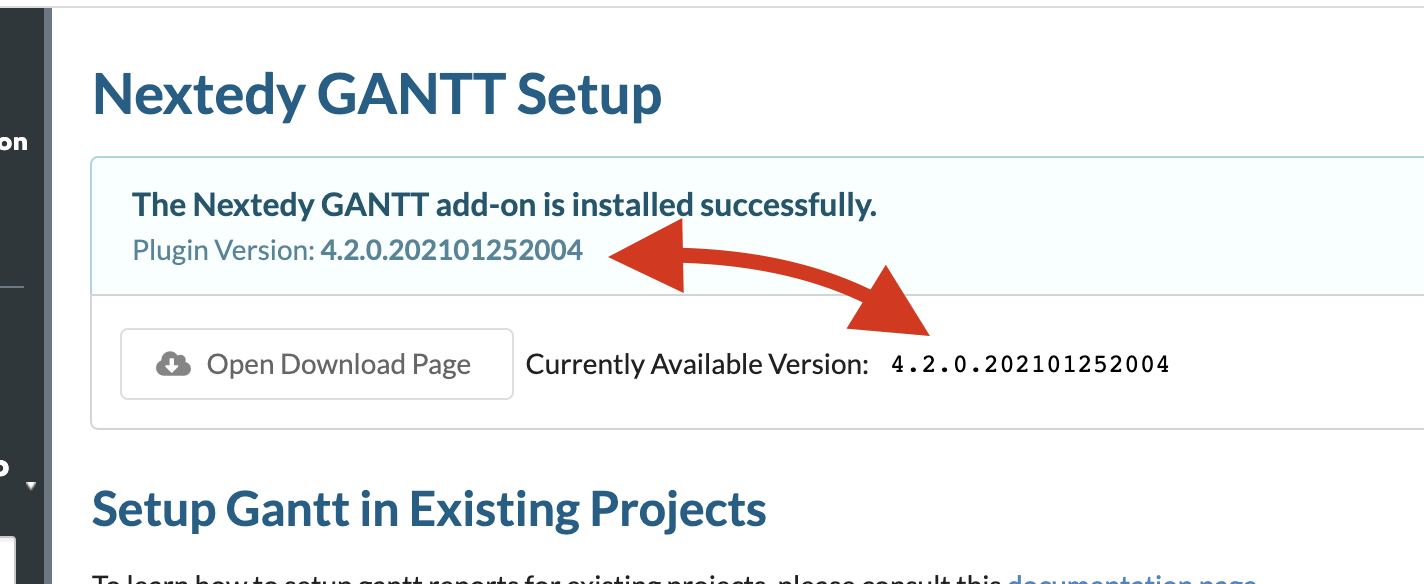
Privacy NoteThe version check fetches version information from the Nextedy download server. No scripts are executed from the download server, and no data from your installation is transmitted.
3
Download the Latest Version
Download the latest
nextedy_gantt.zip from the Gantt product page.4
Stop the Polarion Server
Stop your Polarion server using your standard procedure:Or use your application server’s management interface.
5
Remove the Old Version
Delete the existing Gantt extension directory:
6
Install the New Version
Follow the same steps as a fresh installation:
- Unzip the downloaded
nextedy_gantt.zip - Copy the
com.nextedy.polarion.ganttfolder to[POLARION_INSTALL]/polarion/extensions/
Update the license only if it changedMost updates reuse your existing license. If you also received a new
gantt_lic.json (for example, after renewing a subscription), copy it to [POLARION_INSTALL]/polarion/license/ now — otherwise leave the existing license in place.7
Clear the Configuration Cache
Delete the Polarion configuration cache:
8
Start the Polarion Server
Start your Polarion server:
9
Verify the Update
- Open Polarion Administration > Nextedy GANTT > Setup
- Confirm the displayed version matches the version you downloaded
- Open any existing Gantt chart and verify it loads correctly
Update Process Summary

Update Checklist
Troubleshooting After Update
If the Gantt chart shows a loading screen or fails to render after updating:- Verify that
[POLARION_INSTALL]/data/workspace/.configwas deleted - Check the Polarion server logs for extension loading errors
- Open the browser developer console and look for JavaScript errors
- If issues persist, contact Nextedy support with your server logs, browser console output, and configuration details
Next Steps
- Licensing and User Access — verify license status after updating
- Set Up a Basic Gantt Chart — configure new features available in the updated version
- Explore the Demo Project — review demo data for new feature examples