

Prerequisites
- Access to your project’s data model YAML file via Administration > Nextedy POWERSHEET > Data Models or through Menu > Configuration > Edit Data Model within a powersheet document
- The Polarion work item type you want to map to must already exist in your project configuration
1
Open the Data Model
- Open your powersheet document
- Go to Menu > Configuration > Edit Data Model
- Locate the
domainModelTypessection in the YAML editor
domainModelTypes section may be empty or contain only a placeholder. You will add your entity types as keys under this section.2
Add the Entity Type Definition
Add a new key under 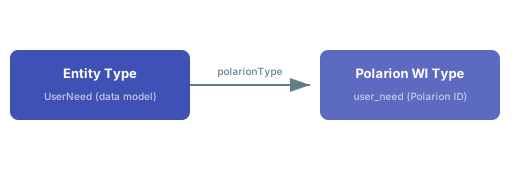
domainModelTypes. The key becomes the entity type name used throughout Powersheet for relationships, source queries, and column bindings.Entity Type Fields
3
Define Properties
List the Polarion work item fields you want to expose on this entity type. Each key in Common built-in properties:
properties must match a built-in field name or custom field name in Polarion.Properties with a
null value (empty after the colon) use default configuration. For advanced property configuration including custom field mappings and enum values, see Add a Custom Property.4
Add Built-in Types (If Needed)
The data model supports the
Document built-in entity type that does not require a polarionType mapping:Document— represents Polarion LiveDoc modules. Automatically includes module-level properties.
Verify in applicationOther structural types such as headings may need explicit
polarionType mapping (e.g., Chapter with polarionType: heading). Check your project’s work item type configuration to confirm which types are available.5
Map Multiple Polarion Types (Optional)
An entity type can map to more than one Polarion work item type by providing a list:This is useful when a single domain concept spans multiple Polarion types and you want to query them together in one sheet source.
6
Save and Verify
- Save the data model YAML
- Reload the powersheet document
- You should now see the new entity type available in source queries and relationship configurations
- Set model to your model name
- Set startEntity to your new entity type name
- Set depth to
1
Complete Example: RTM Entity Types
A typical requirements traceability matrix uses several entity types connected through relationships:relationships section connects them using from/to references, direct/back navigation property names, and a Polarion linkRole. See Configure a Relationship for the full walkthrough.
Verification Checklist
After saving your data model, confirm the following:
You should now see your new entity type available in the Model Helper, ready for use in source queries and sheet column configurations.
Map Multiple Polarion Types to One Entity
When several Polarion work item types share the same structure, map them all to a single data model entity type using an array: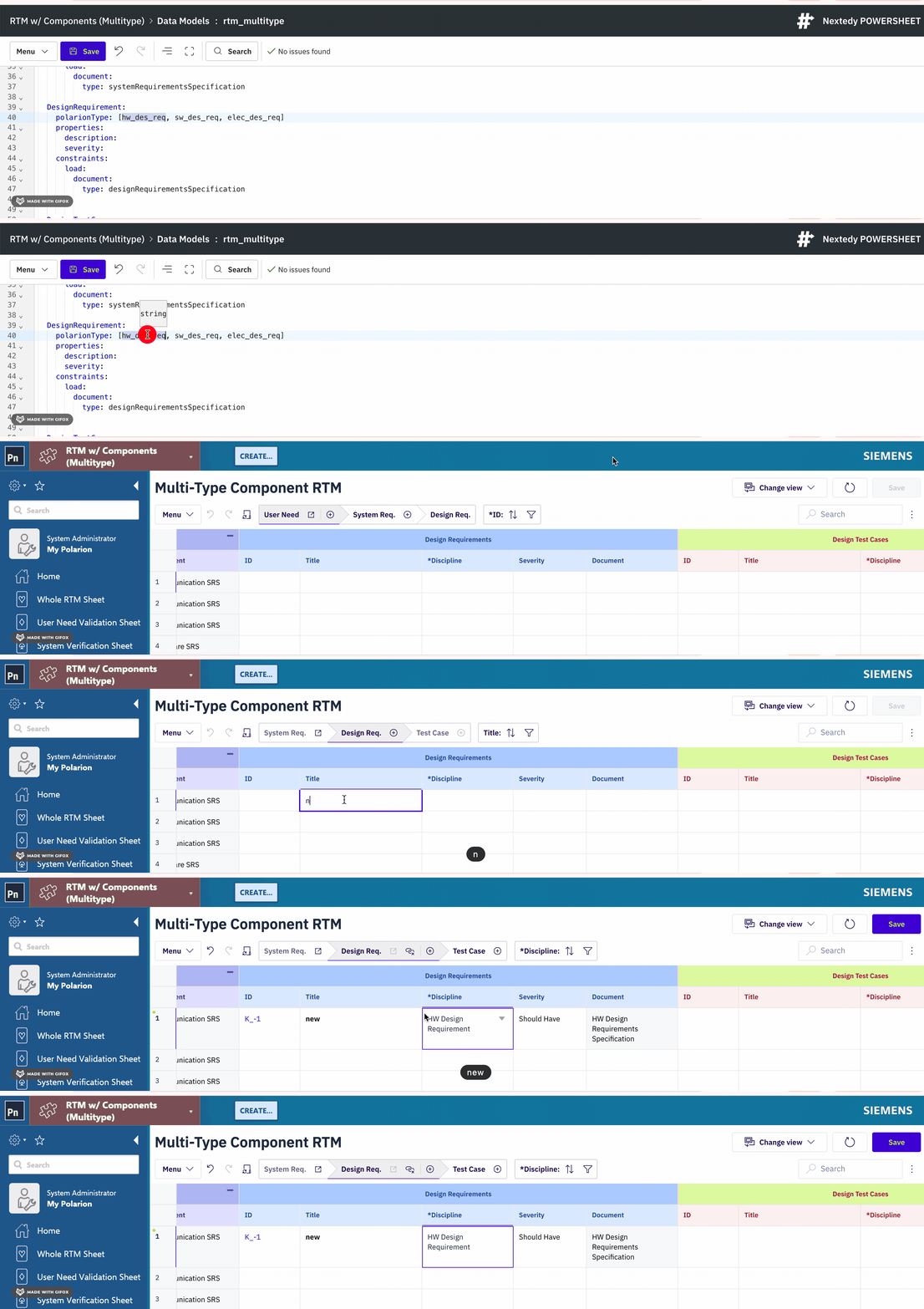
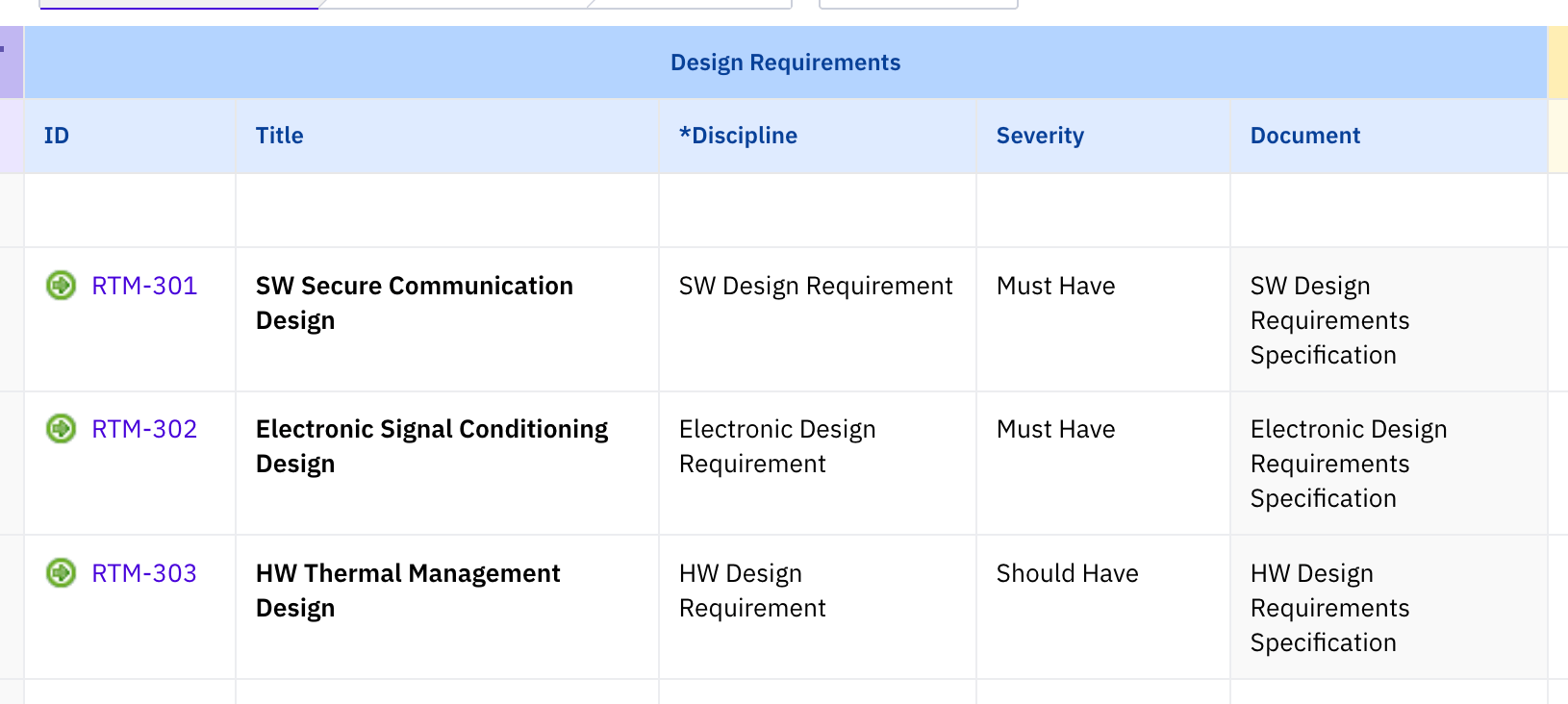
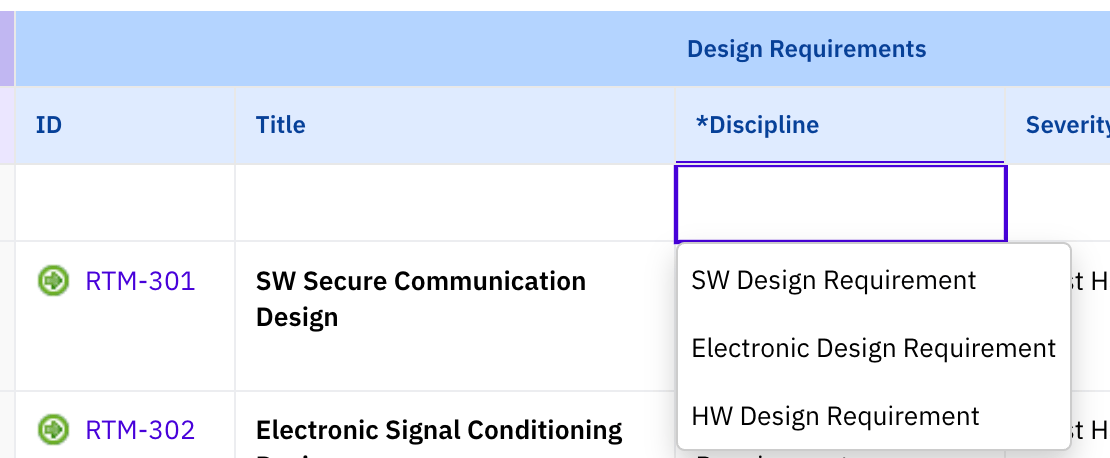
Requirement entity type return work items of all three Polarion types. This is useful for consolidated views where you want to display different requirement subtypes in a single sheet level.

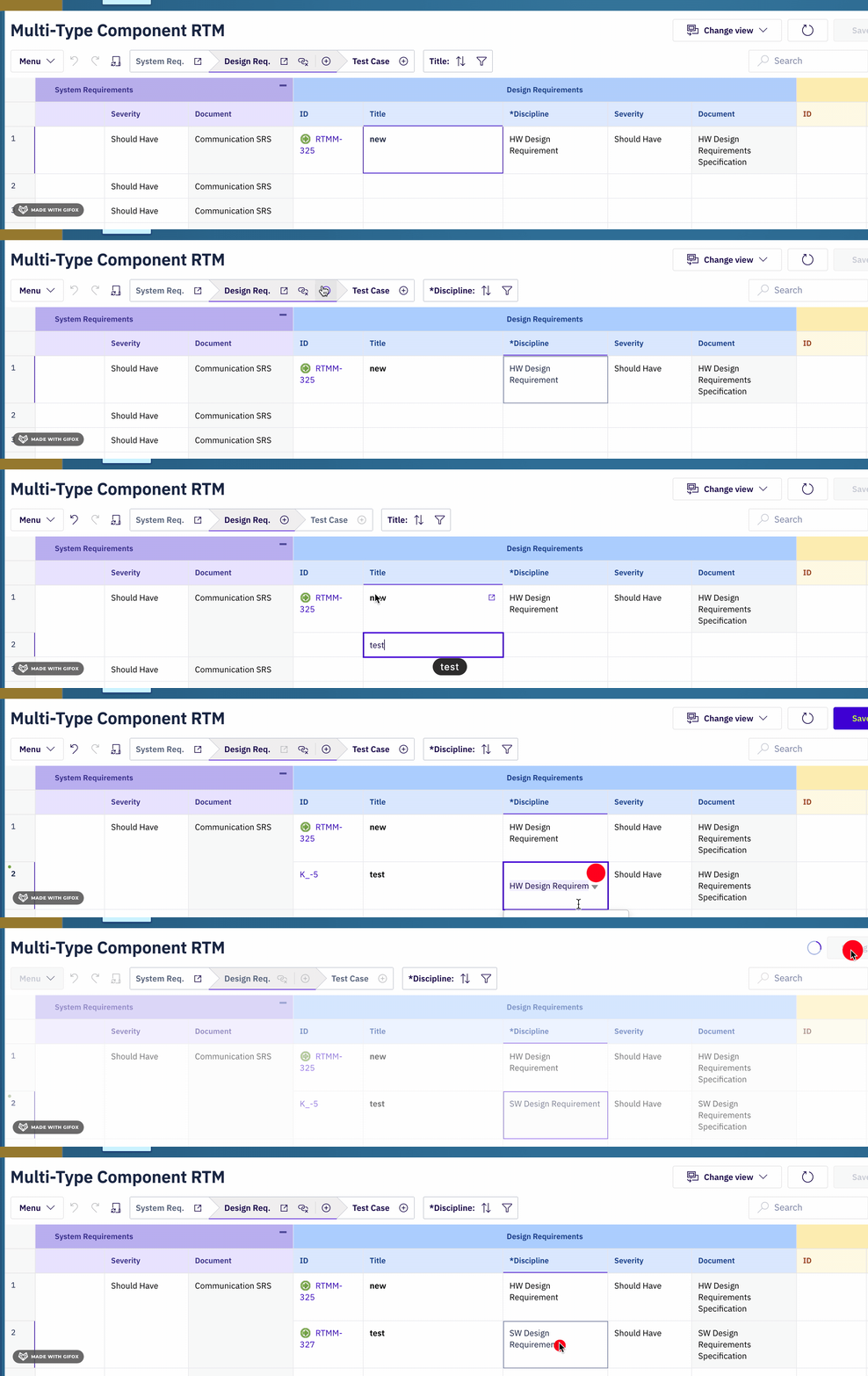
Map Relationship Link Roles
Relationships between entity types use thelinkRole property to reference a Polarion link role. The link role must already exist in your Polarion project configuration under Administration > Work Items > Link Roles.
Connect Mappings to Sheet Sources and Columns
After mapping entity types and relationships, wire them into a sheet configuration. The three configuration layers — data model, sheet sources, and sheet columns — connect through navigation property names. Source configuration uses the navigation property names fromdirect.name and back.name to expand related entities:
See Also
- Configure a Relationship — connect entity types with navigation properties
- Add a Custom Property — expose custom fields on entity types
- Configure Constraints — add filtering constraints to entity types
- Set Entity Permissions — control CRUD access on entity types
- Validate Your Data Model — check your model for errors
- Data Model Reference — full data model property reference