


Checklist
Represents a checklist instance: an ordered collection ofChecklistItem entries, providing counting, merging, summary text, and export/reset behaviors.
Information items are excluded from all statisticsAny item with an
INFORMATION result is excluded from every counting method (getCheckedCount, getMandatoryCount, isAllChecked, etc.) because they are drawn from getActiveItems(), not getItems(). This explains why an informational row does not affect the completion count shown in the checklist form extension.summaryMessageFormat placeholder tokens
The message-format template passed to the Checklist constructor supports these placeholder tokens:
Verify in applicationThe exact message-format syntax (e.g. positional
{0}-style placeholders vs named tokens) is not confirmed — check the literal template syntax in your Polarion instance before authoring a custom summaryMessageFormat.mergeItemIn — template re-sync behavior
Merging happens on every parse: the checklist is seeded from the template first (each item’s label, mandatory flag, and description come from the template), and then the stored field content is merged in, carrying over only the result of each matching item (matched by id). The practical consequence is that the template wins — label, mandatory flag, and description always refresh from the current template on re-parse, while a reviewer’s recorded result is preserved.
Template changes propagate to existing itemsIf a template’s mandatory flag, label, or description changes after items already exist on an object’s checklist, those changes do reach the existing items the next time the checklist is parsed — only the item’s result is kept from the stored content. The template’s mandatory flag wins over the one stored on the object.
ChecklistItem
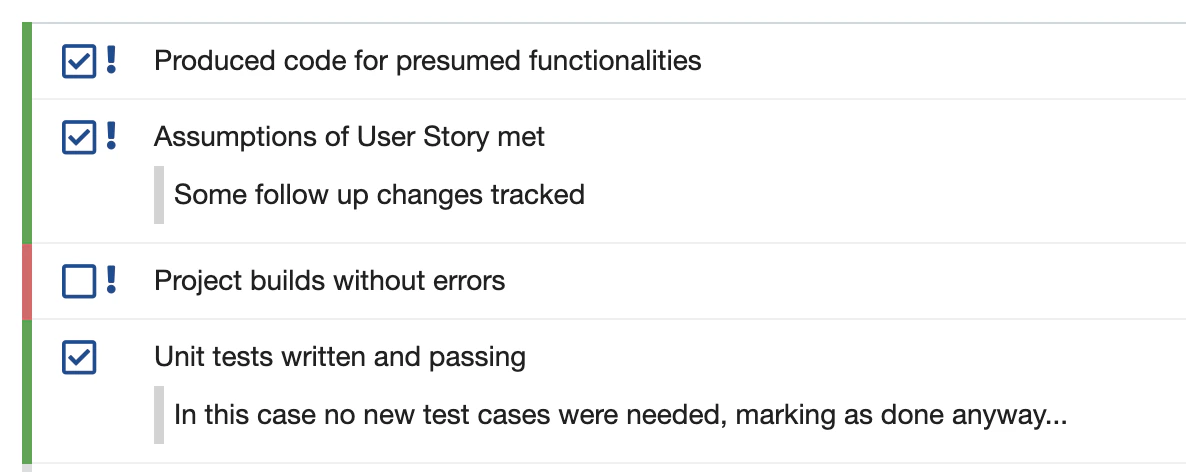
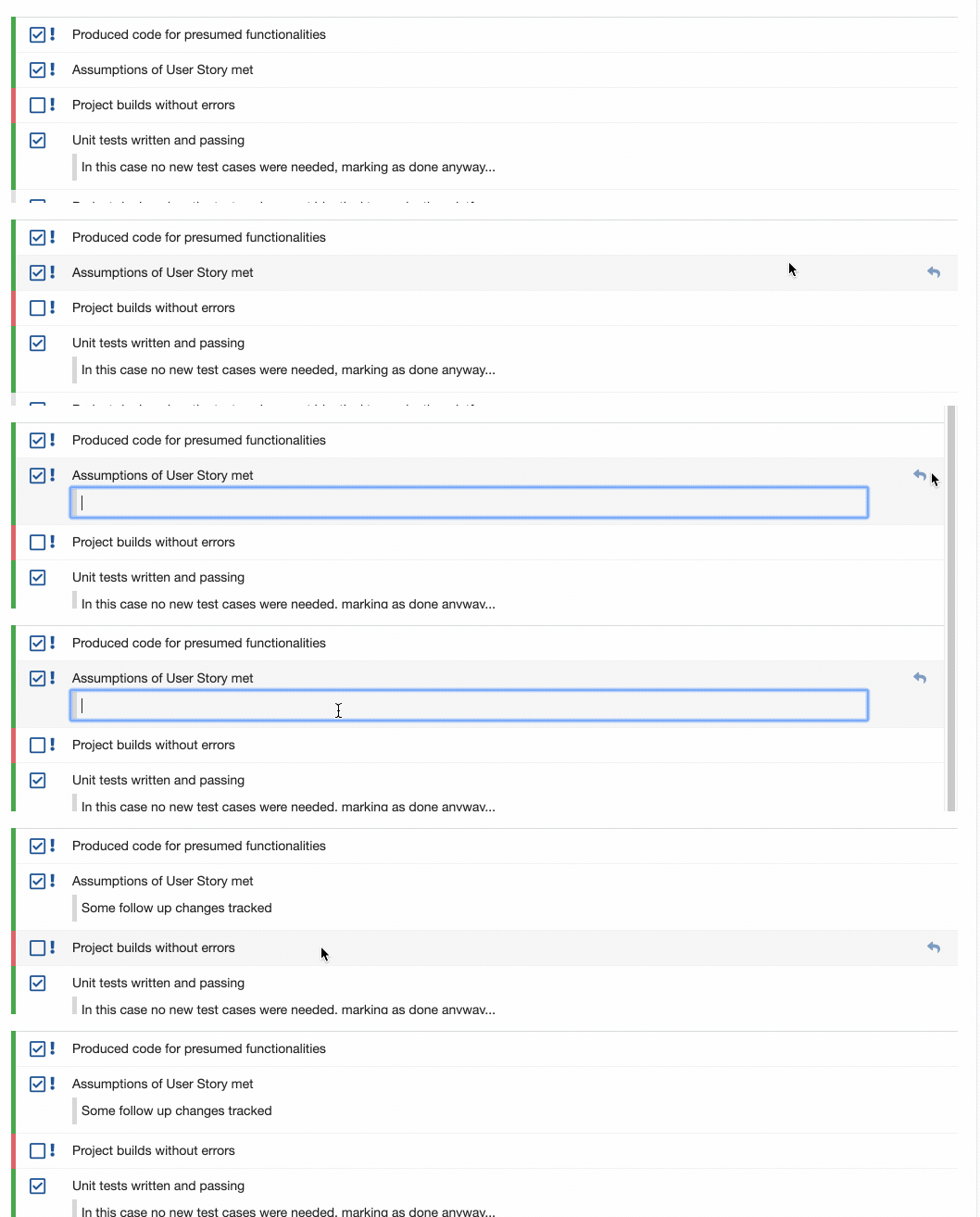
Represents a single item (row) in a checklist: its label, result state, mandatory flag, description/note text, and template origin.Note vs. description
CheckItemResult
An enum representing the possible result states of aChecklistItem.
UI-facing state names vs. enum constants
CheckItemResult has five constants, and each corresponds to one state a reader sees in the rendered checklist: NONE is Empty, CHECKED is OK, REJECTED is NOK, CONDITIONAL is Pending (offered only when the conditional state is enabled), and INFORMATION is the non-selectable Information row that carries no result and is excluded from completion counts. The four selectable states are the full set — there is no “not applicable” state.Underlying text storage format
Checklist state is persisted as plain text in the underlying custom field (not as structured JSON), using this line-based syntax:- Each item line starts with its result character in square brackets —
[X],[O],[+],[i], or[_]forCHECKED,REJECTED,CONDITIONAL,INFORMATION, orNONErespectively. - An optional
!immediately follows the closing bracket (before the tab) to mark the item mandatory — for example[X]!, not a trailing!at the end of the line. - A tab separates the bracketed result/mandatory marker from the item label text.
- A leading
/(on its own line, indented under the item) marks a description line. - A leading
>(on its own line, indented under the item) marks a note line.
Not structured dataBecause checklist state is plain text in a rich-text/text field, any external tool reading the field directly (rather than through
IChecklistService.parse) must replicate this exact syntax, including the brackets around the result character, the mandatory marker’s position immediately after the bracket (not at the end of the line), and the tab separator.See also
- IChecklistService and Velocity Rendering API — the service that parses text into these objects and stores them back.
- Summary Field Reference — how
Checklistcounts feed into the_summarycustom field.