

Also known as the attributes panelReferred to as the Risksheet attributes panel in the Nextedy Support Portal. Aliases: attributes panel, risksheet attributes panel.

Why a Separate Top Panel? The Two-File Pattern
Risksheet splits configuration across two files:
This separation matters for regulated industries: when a risk matrix changes, only the top panel changes, so the declarative sheet configuration stays untouched and the change-control scope stays small. Tooling can validate the sheet configuration without parsing JavaScript, and the same sheet structure can pair with different calculation strategies by swapping the top panel.
For regulated environments, keep formula wrappers in the sheet configuration thin (for example,
initialRE: "(info) => { return getInitialRE(info); }") and put the real logic in risksheetTopPanel.vm.
Prerequisites
- Administrator privileges for the Polarion project
- Familiarity with Velocity template syntax
- A Risksheet document or template where you can attach files
Step 1: Create the Top Panel Template
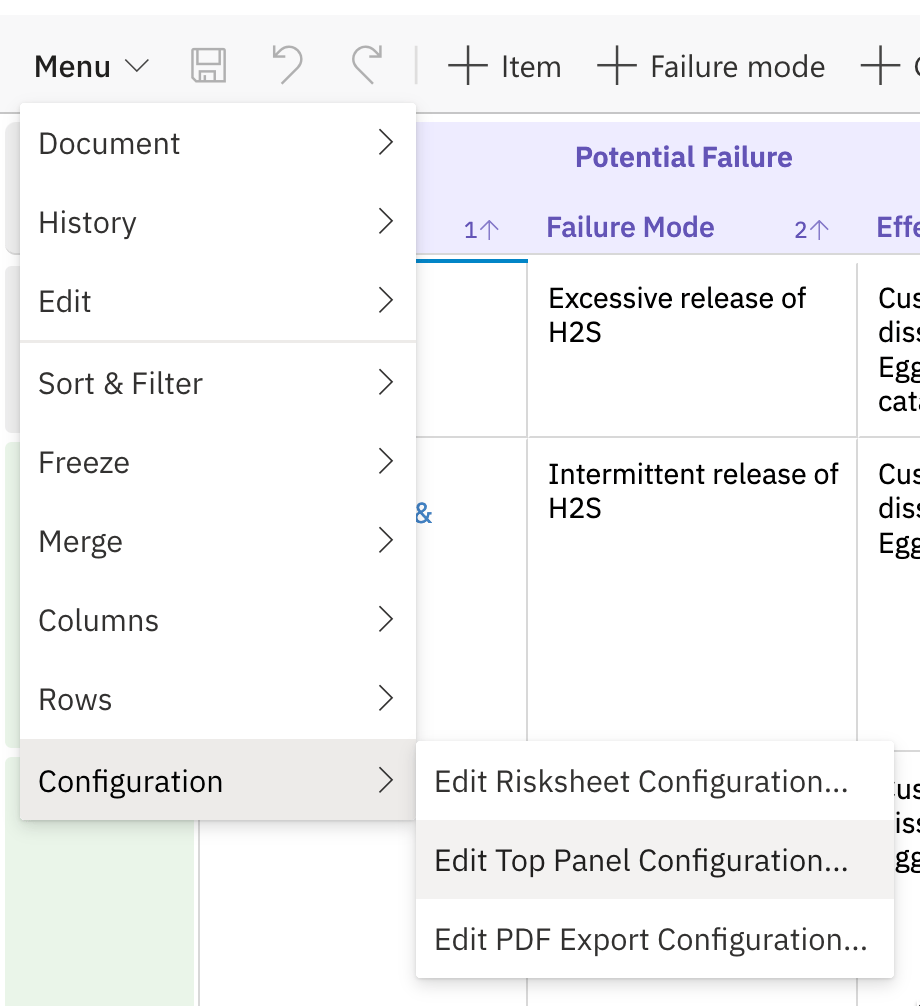
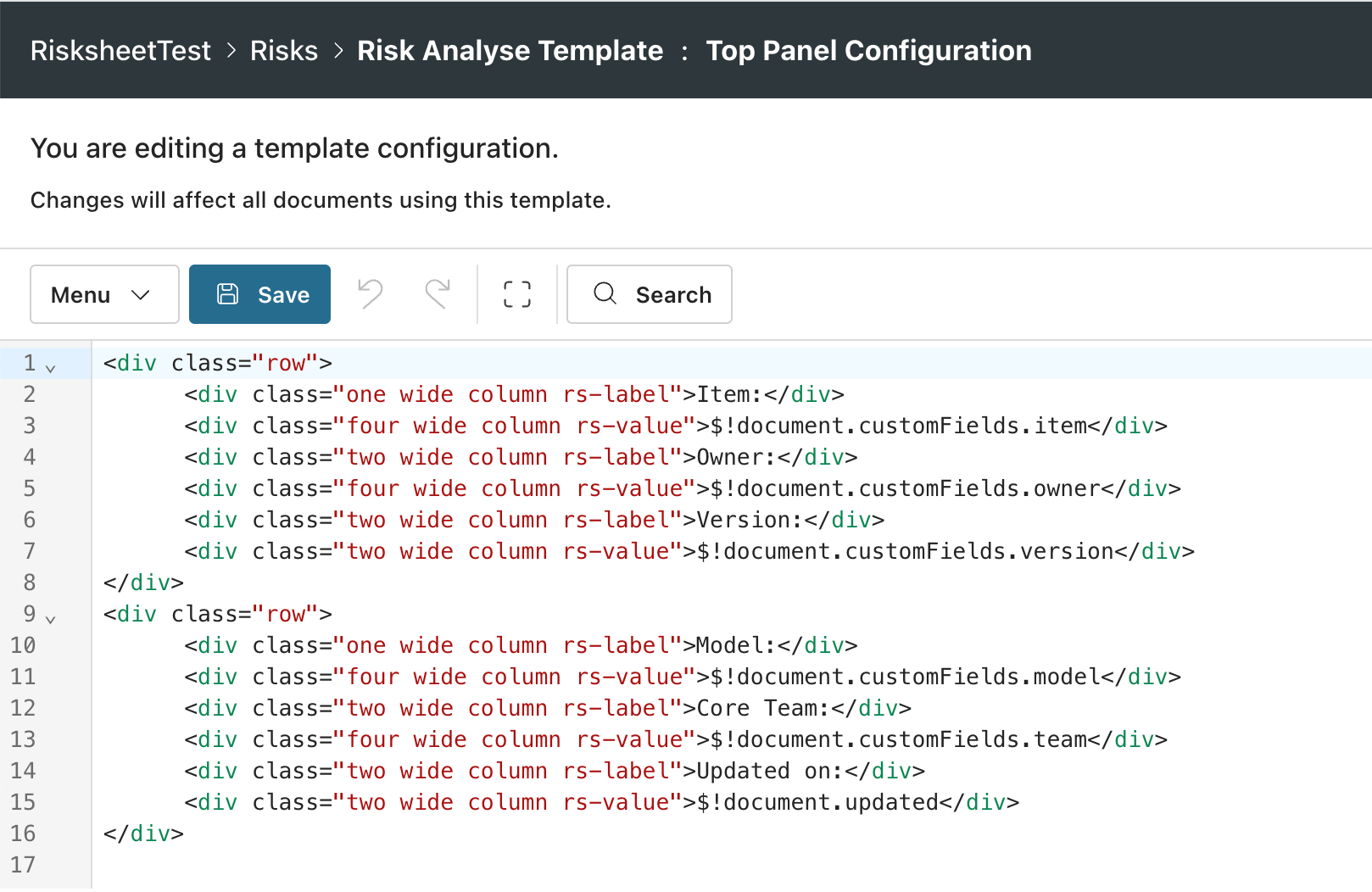
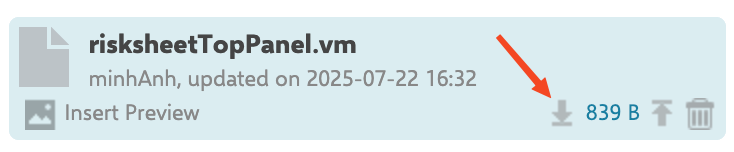
- Create a new file named
risksheetTopPanel.vm - Write your Velocity template content (see examples below)
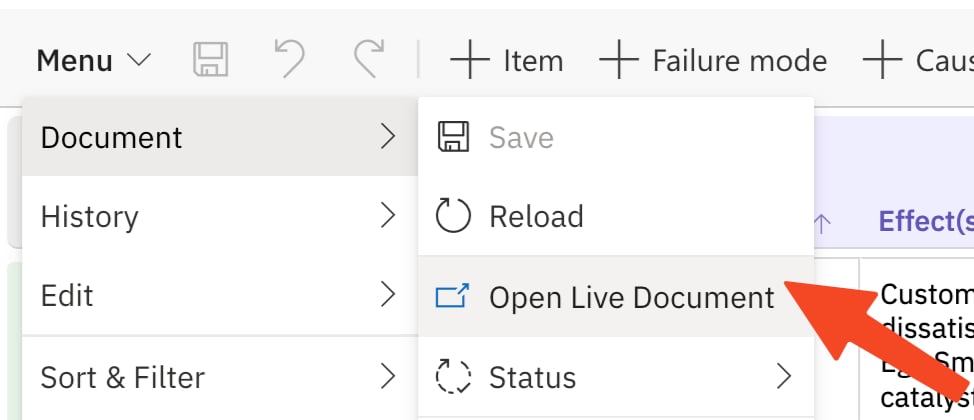
- Attach the file to your Risksheet document or its template document

Step 2: Display Document Custom Fields
Show document-level custom fields in the top panel using Velocity expressions:Read-only accessThe top panel can display document custom fields but cannot modify them directly. Custom fields must be updated through Polarion’s standard document editing interface.
Step 3: Bridge Server-Side Data to Client-Side Formulas
Use the top panel to extract server-side data and make it available to client-side JavaScript. This is essential for formulas and query factories that need document-level context:Step 4: Filter Item Suggestions Using Top Panel Data
Combine the top panel Velocity script with aqueryFactory function to dynamically filter linked items based on document-level custom field values:
bindings (plural) — this is the correct property name for the Polarion field mapping on a column.
Maximize and Restore the Grid
The top panel includes a built-in toggle to maximize the grid viewing area:- Click the maximize button to hide the top panel and expand the grid to full height
- Click the restore button to show the top panel again
Error Handling
If the Velocity template contains errors, Risksheet renders a red message box in the top panel area. Common errors include:- Syntax errors in Velocity — missing
#enddirectives or undefined variables - Missing custom field — referencing a document custom field that does not exist returns
null - JavaScript errors — check the browser console for client-side script issues
Step 5: Verify the Top Panel
After attaching or updating yourrisksheetTopPanel.vm:
- Open the Risksheet document
- Verify the top panel area displays your custom content above the grid
- Check that document custom fields render their current values
- If using JavaScript bridging, open the browser console and verify
window.risksheetContext(or your variable name) contains the expected data
See Also
- Customize the Context Menu — add custom right-click actions
- Create Custom Renderers — specialized cell display logic
- Use Query Factory — dynamic query generation for autocomplete
- Configure Queries — item filtering configuration