
Progress Data Model

The Gantt chart stores progress as a float value between 0.0 (no progress) and 1.0 (complete). The progress column in the grid displays this as a percentage (0-100). The default Progress Field widget parameter is gantt_progress. diagram

Calculate Progress from Time Estimates

This script computes progress as timeSpent / (remainingEstimate + timeSpent) and automatically sets resolved items to 100%. In Widget Parameters > Advanced > Item Script:
if(wi.getType().getId() === 'workpackage'){
    var all = (wi.getRemainingEstimate() != null
                   ? wi.getRemainingEstimate().getHours() : 0)
            + (wi.getTimeSpent() != null
                   ? wi.getTimeSpent().getHours() : 0);
    var done = (wi.getTimeSpent() != null
                   ? wi.getTimeSpent().getHours() : 0);

    if(wi.getResolution() != null){
        task.progress = 1;
    } else if(all == 0){
        task.progress = 0;
    } else {
        task.progress = done / all;
    }

    var progressString = (wi.getTimeSpent() != null ? wi.getTimeSpent() : "0h")
        + " | "
        + (wi.getRemainingEstimate() != null ? wi.getRemainingEstimate() : "0h")
        + " (" + Math.round(task.progress * 100) + " %)";
    task.getFields().put("progressString", progressString);
}
The script above filters for workpackage items. Change 'workpackage' to your work item type ID, or remove the if statement entirely to apply the calculation to all items.

Disable Progress Drag

When progress is computed automatically, disable manual progress adjustment. In Widget Parameters > Advanced > Gantt Config Script:
gantt.config.drag_progress = false;
This hides the progress drag handle on task bars and prevents users from overriding calculated values.

Display Progress Text on Task Bars

Show the computed progress summary next to each task bar. In Gantt Config Script:
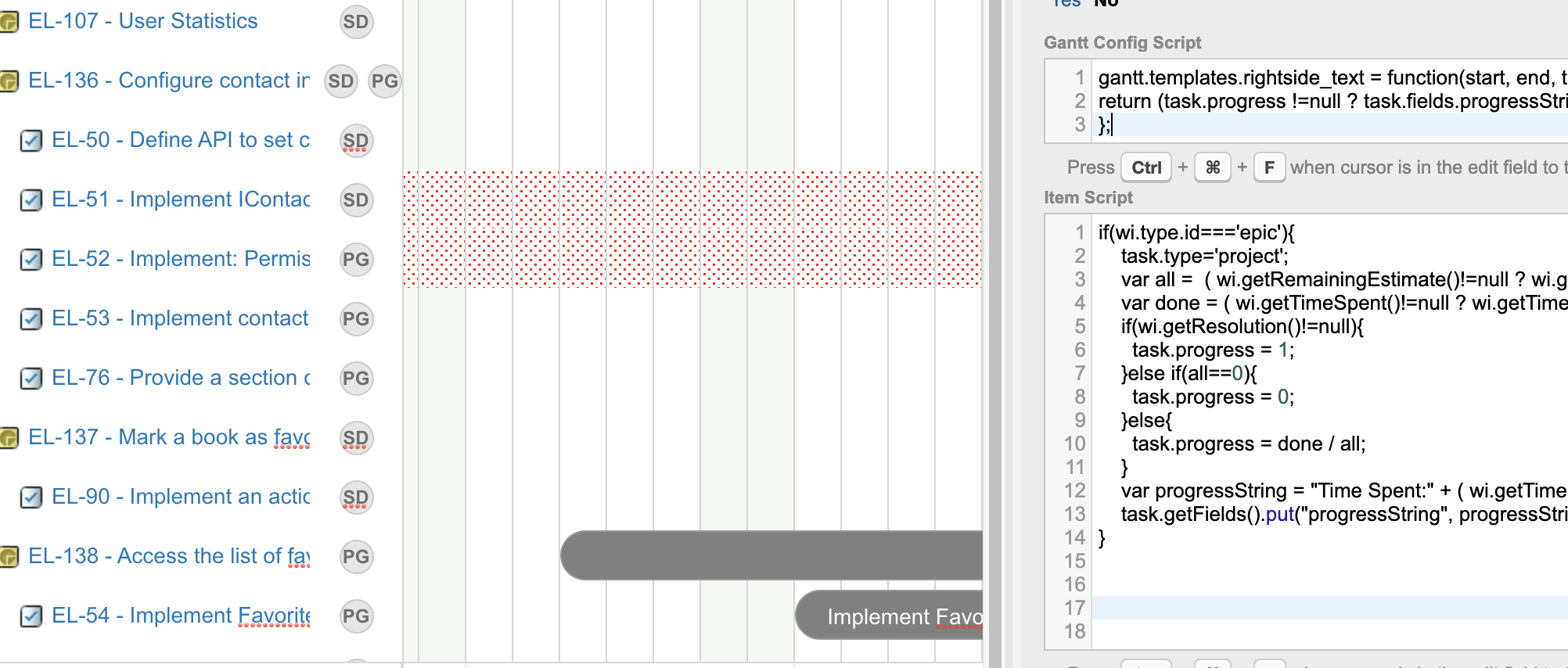
gantt.config.drag_progress = false;
gantt.templates.rightside_text = function(start, end, task){
    return "<b><img src='" + task.fields.statusIcon + "'/> "
        + task.fields.statusName + "</b> "
        + (task.progress != null ? task.fields.progressString : "");
};
This renders the work item status icon, status name, time spent, remaining estimate, and completion percentage to the right of each task bar.

Calculate Epic Progress from Children

For epic-level items where time estimates are derived from child stories:
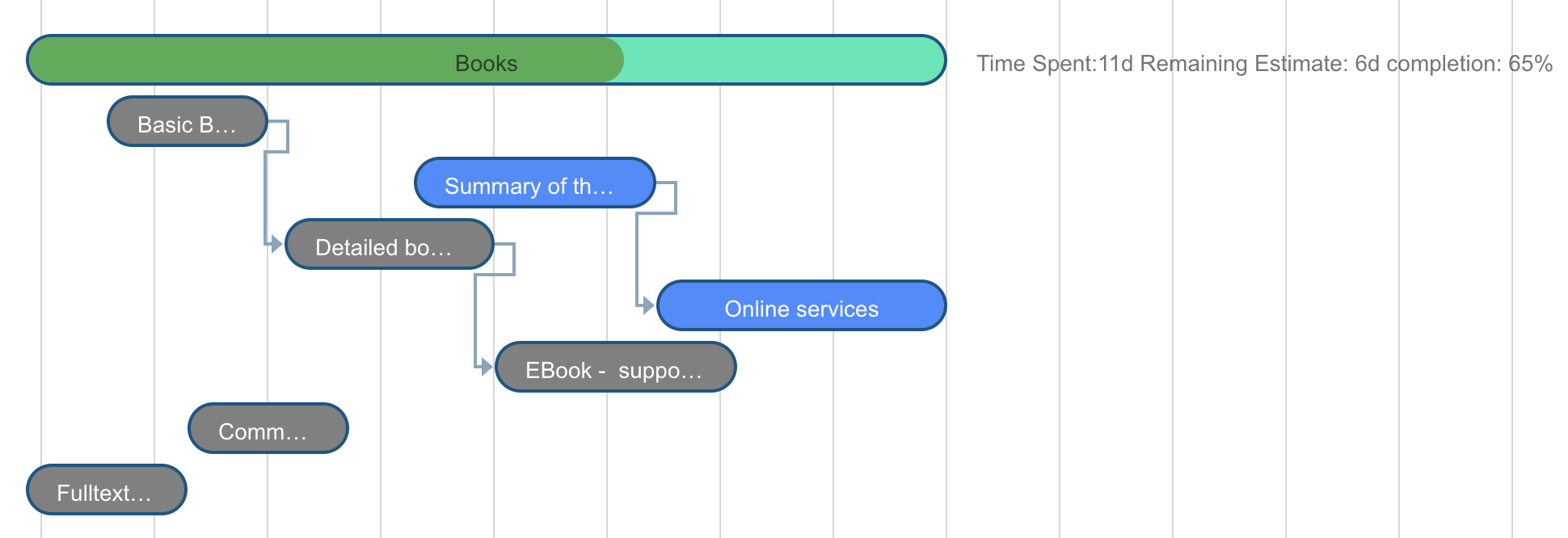
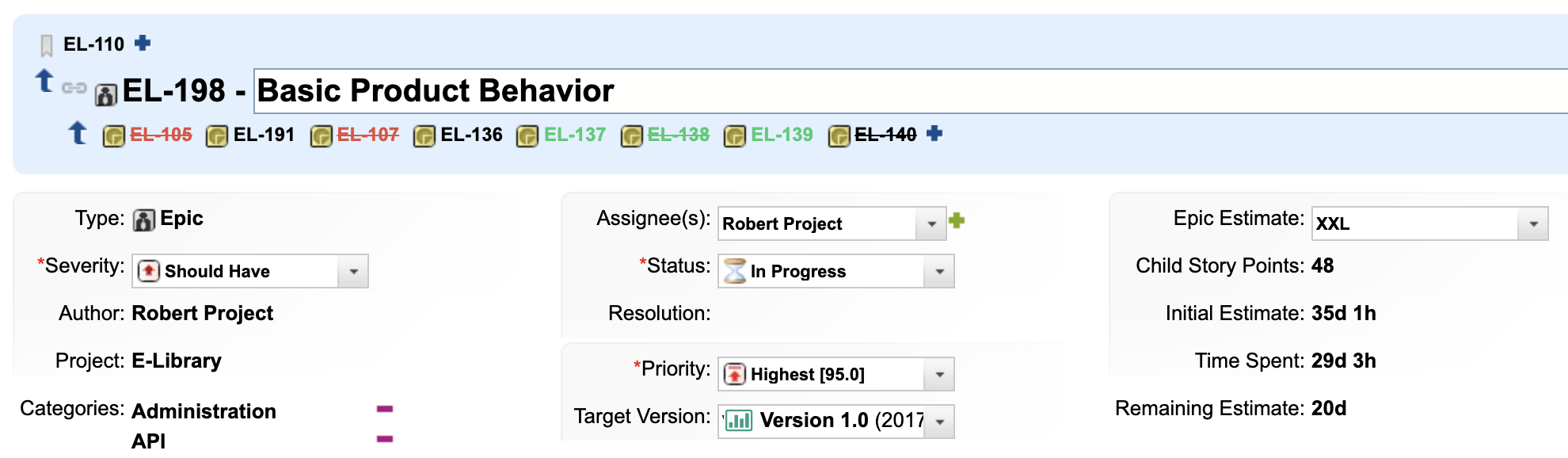
if(wi.getType().getId() === 'epic'){
    task.type = 'project';
    var all = (wi.getRemainingEstimate() != null
                   ? wi.getRemainingEstimate().getHours() : 0)
            + (wi.getTimeSpent() != null
                   ? wi.getTimeSpent().getHours() : 0);
    var done = (wi.getTimeSpent() != null
                   ? wi.getTimeSpent().getHours() : 0);

    if(wi.getResolution() != null){
        task.progress = 1;
    } else if(all == 0){
        task.progress = 0;
    } else {
        task.progress = done / all;
    }

    var progressString = "Time Spent:"
        + (wi.getTimeSpent() != null ? wi.getTimeSpent() : "0h")
        + " Remaining: "
        + (wi.getRemainingEstimate() != null ? wi.getRemainingEstimate() : "0h")
        + " (" + Math.round(task.progress * 100) + "%)";
    task.getFields().put("progressString", progressString);
}
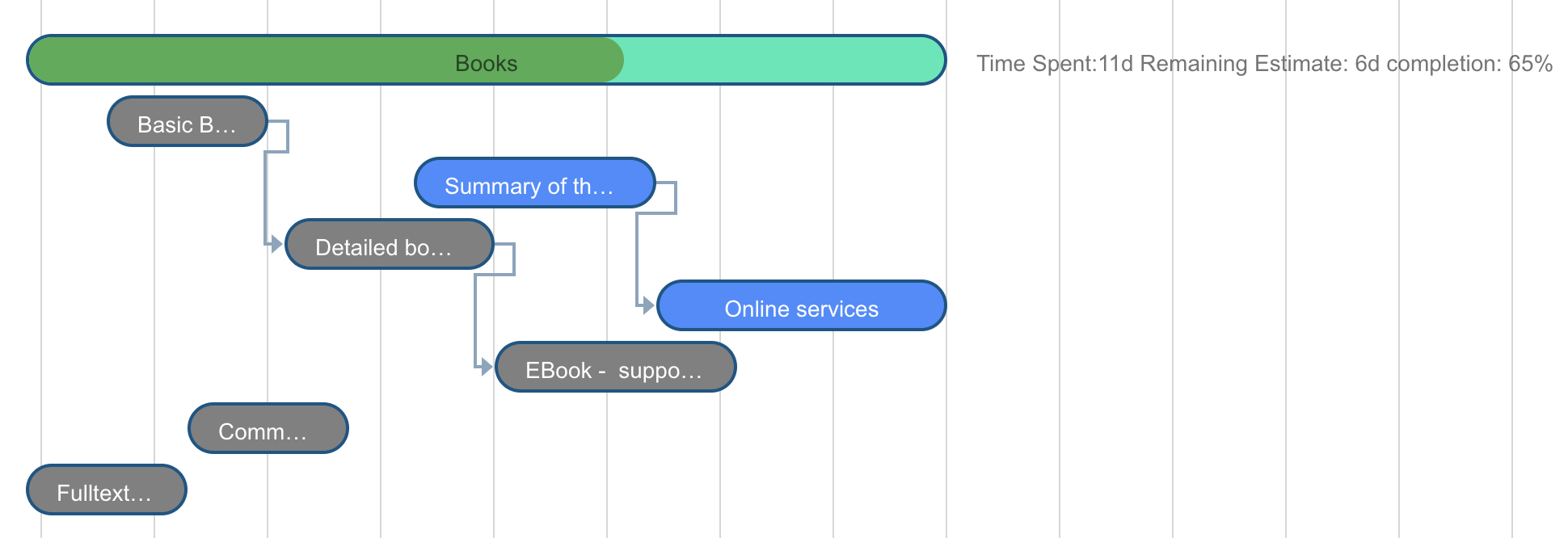
Setting task.type = 'project' renders the epic as a summary bar with its schedule derived from children.
Calculate Plan Progress from Resolved Items

For Plans Gantt, compute progress as the ratio of resolved to total work items in a plan. In Item Script:
var allitems = trackerService.queryWorkItems(
    "PLAN:(" + plan.getProjectId() + "/" + plan.getId() + ")", "id").size();
var openitems = trackerService.queryWorkItems(
    "PLAN:(" + plan.getProjectId() + "/" + plan.getId()
    + ") AND HAS_VALUE:resolution", "id").size();
if(allitems > 0){
    task.progress = openitems / allitems;
} else {
    task.progress = 0;
}
task.getFields().put("progressString", openitems + " / " + allitems + " done");
The plan variable is only available in the Plans Gantt Item Script. In the Work Items Gantt, use wi to access work item data instead.

Verify Your Changes

Save the page and reload the Gantt chart. You should now see:
  • Task bars with progress fill matching the computed percentages
  • Progress text displayed to the right of each task bar (if configured)
  • The progress drag handle hidden (if drag_progress is disabled)

See Also

KB ArticlesSupport TicketsSource Code
  • prod-gantt-src/com.nextedy.polarion.gantt/src/com/nextedy/polarion/gantt/model/Task.java
  • prod-gantt-src/com.nextedy.polarion.gantt/src/com/nextedy/polarion/gantt/widget/WorkItemsGanttWidget.java
  • prod-gantt-src/com.nextedy.polarion.gantt/src/com/nextedy/polarion/gantt/model/columns/GanttSystemColumn.java
  • prod-gantt-src/com.nextedy.polarion.gantt/src/com/nextedy/polarion/gantt/widget/GanttWidgetConfig.java
  • prod-gantt-src/com.nextedy.polarion.gantt.client/src/js/columns.js